Native Ads
A native advertising platform for ads that look like the content around them.
Creative
Text, Banner, HTML5
Performance
Blended Integration
Devices
Desktop, Mobile, Tablet
Conversion Rate
Moderate
User Engagement
High
User Experience
Seamless
Origins and Evolution
Native ads trace their origins to traditional advertorials in print media but gained digital prominence in the early 2010s.
Platforms like Facebook and Outbrain spearheaded the integration of native ads into digital environments by blending promotional content seamlessly with organic posts and recommendations. Unlike traditional display ads, native ads align with the platform’s look and feel, enhancing user trust and engagement.
Over the years, native ads have evolved into a sophisticated format capable of supporting various creative types, including text, images, and videos. Today, they are widely used across industries for high-budget campaigns aimed at building brand awareness and fostering deeper connections with audiences through storytelling. Choosing between formats? See push ads vs native ads.
How Native Ads Work
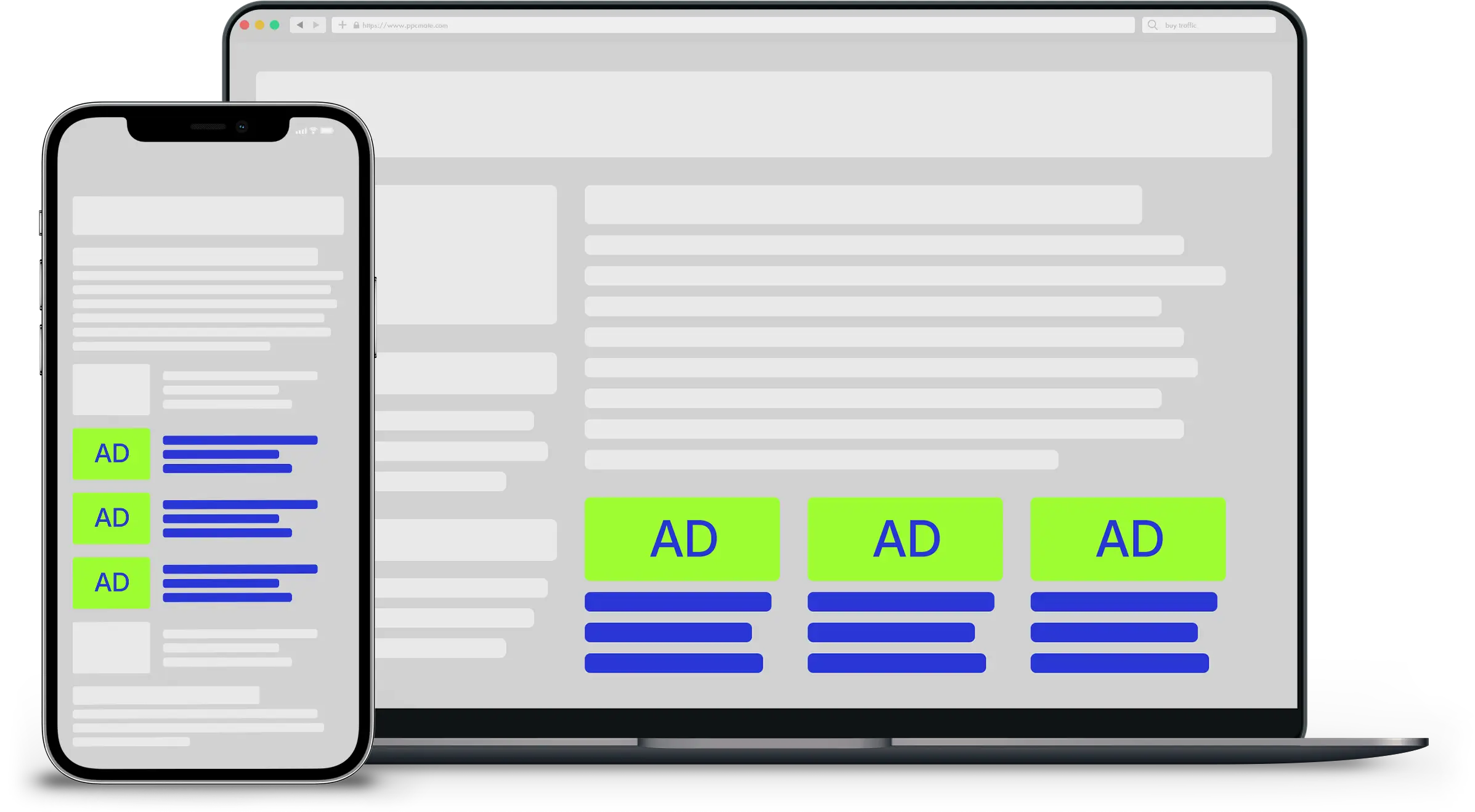
Native ads are designed to integrate seamlessly into the content flow of a website or app, appearing as sponsored posts, in-feed content, or recommended articles. These ads mimic the surrounding design and format, ensuring they blend naturally without disrupting the user experience.
Native ads often include a combination of text, images, or videos and are strategically placed within editorial content or social media feeds. Programmatic platforms play a key role in delivering native ads, using advanced algorithms to match them with relevant audiences.
This format is particularly effective for campaigns that aim to educate or inform, as it encourages users to engage with the content as they would with organic material.

Native Ads That Blend In and Convert
Native ads match the look of the site they appear on, as recommended articles or in-feed content, so people read them instead of skipping them. Run native ads on a self-serve native ad network with CPM or CPC bidding, contextual targeting and fraud filtering on every bid.
Increase Website Traffic
Maximize Affiliate Earnings
Boost YouTube Videos
Boost Mobile App Installs
Boost E-Commerce Sales
Elevate Brand Recognition
Improve SEO Performance
Enhance Social Media Impact
Dominate Niche Markets
Native Ads Targeting Options
Precise targeting capabilities to reach specific audiences based on location, device, interests, and more, maximizing ad relevance and impact.

Targeting by
Locations
Targeting by
Devices
Targeting by
Operating Systems
Targeting by
Languages
Targeting by
Connections
Targeting by
IP Addresses
Targeting by
IAB Categories
Targeting by
Websites
Targeting by
Apps
Targeting by
Sources
Targeting by
Supply Partners
Targeting by
Whitelists
Native Ads Optimization Tools
Advanced tools to track, optimize, and control ad delivery, enhancing performance while minimizing ad waste.

Conversion
Tracking
Ad Fraud
Detection
Frequency
Capping
Automatic
Optimizations
Delivery
Types
Traffic
Dayparting
Campaign
Flight Dates
Traffic Data
Export
Frequently Asked Questions
What are native ads?
Ads that match the design of the page they appear on, such as recommended articles, in-feed posts or content widgets, so they feel like part of the site.
What is an example of a native ad?
A “Recommended for you” card under a news article, with an image and a headline like “7 ways to cut your energy bill”, that leads to your landing page.
Native ads vs display ads: what's the difference?
Display ads are clearly ads (banners); native ads blend with the content. Native usually gets more attention and clicks; display is better for broad visibility. You can run both on PPCmate.
Which is the best native ad network for small budgets?
A self-serve network that lets you start small, bid CPM or CPC, see results per source and block bad placements. PPCmate does this with pre-bid fraud filtering.
How much do native ads cost?
Native ads can run on CPM or CPC. Prices depend on country, site quality and competition; you set your own bid and pay as you go from a $25 deposit.
What creatives do native ads need?
A strong headline, a short description and an image that fits the content around it. Test several headlines; the image and headline do most of the work.
Which offers work best with native ads?
Content-led offers: articles, comparison pages, finance, health and wellness, e-commerce and lead generation.
Can native ads be targeted?
Yes: country, device, OS, browser, language, IAB content category, websites, apps, sources and whitelists.
Are native ads good for branding?
Yes. Because they read like content, native ads are good for storytelling and building trust, as well as for direct response.
How do I measure native ad results?
Track conversions with a pixel or postback, compare CTR and conversions per placement, and cut the placements that don’t perform.
Launch Native Ads in 3 Easy Steps
Get started by creating a PPCmate X account.
Set up and launch an ad campaign easily.
Automatically optimize for better results.